
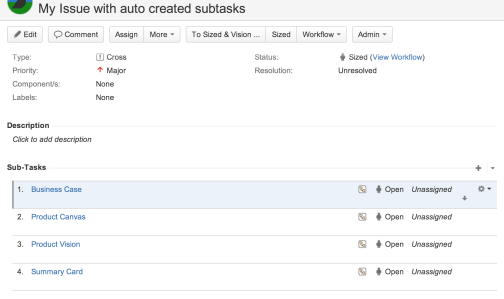
You can use groovy and issue workflow transitions together to create an Issue in Jira with subtasks already created like the issue below.
Before starting install the free add-on Script Runner – https://marketplace.atlassian.com/plugins/com.onresolve.jira.groovy.groovyrunner.
After the installation follow those steps:
1. Create a custom workflow and edit it.
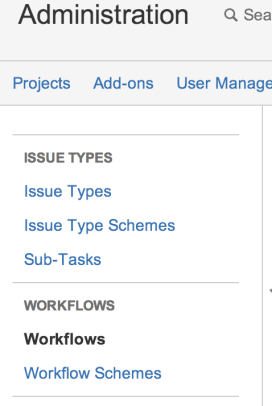
2. Click on the arrow Create and select Post Functions.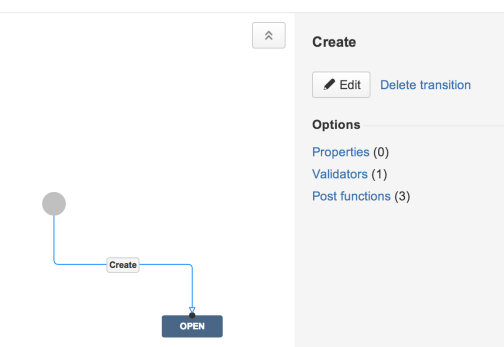
3. Select Script Post-Function.

4. In the script post function dialog select Create a sub-task.

5. Fill the sub-task information and press Add.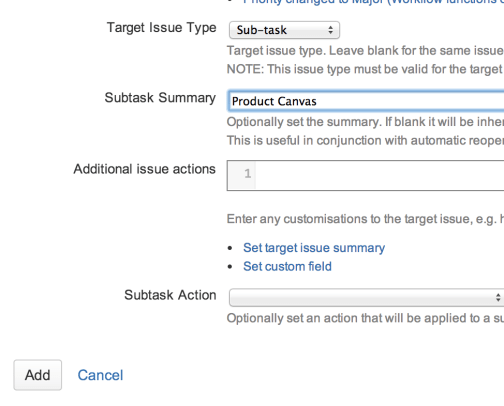
6. Verify that as first step of post functions you have “Creates the issue originally” otherwise the sub-task cannot be created!
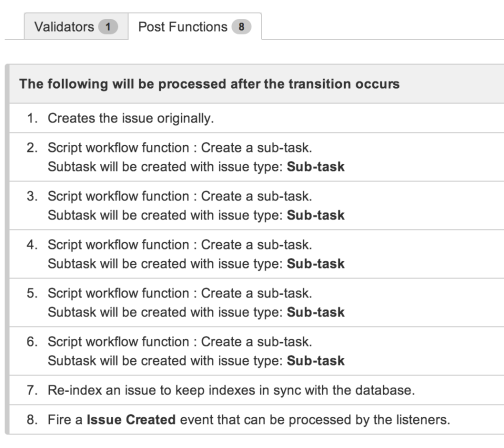
8. Publish the new workflow.

9. Now you can create a new issue and you the script will create for you the configured sub-tasks!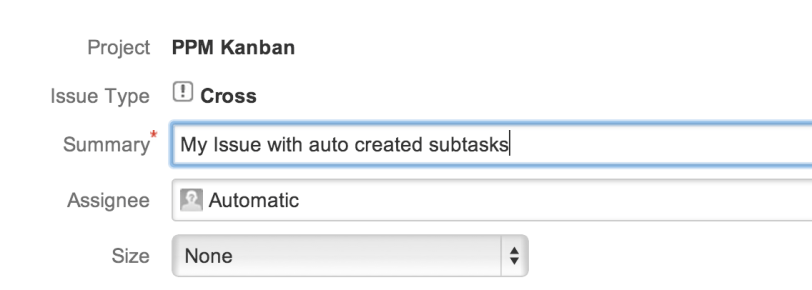

 Isola Software